JavaGami runs on both Mac (tested to OS 15) and on older Windows platforms. It is available free of charge for educational and personal use.
As the name implies, JavaGami is a Java-based application. It runs on your computer (not through a web browser) and requires a Java Runtime Environment. Here is how to download and install a Java Runtime Environment.
Download the most recent version of JavaGami (javagami2023).
Intel-based (older) Macs – suggested configuration:
Java Runtime: Use this link to java.com’s download page and scroll to the sentence and link that says: If you are running on a macOS Intel (x86_64), download the x86_64 version of the JRE.
Download this version of JavaGami (jg27.jar). Note that it does not allow loading of previously saved shapes, but will allow you to save shapes as .obj files that you can retrieve for 3D printing or use in 3D modeling programs.
Installation note (Mac): If you have a pop-up window that says that the file cannot be opened because it is from an unidentified developer, go to System Preferences in the Finder menu, select the Security & Privacy option, and then “Open Anyway” in the “General” tab.

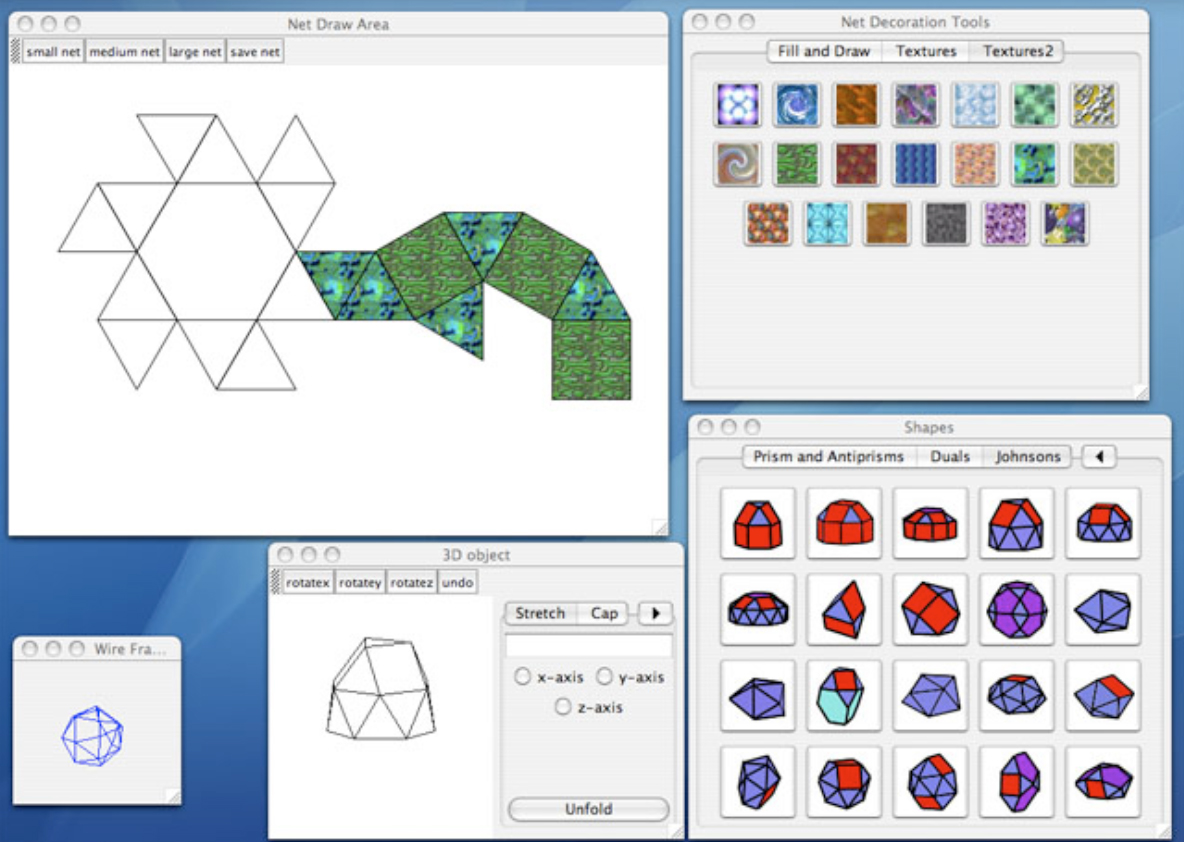
 HyperGami